
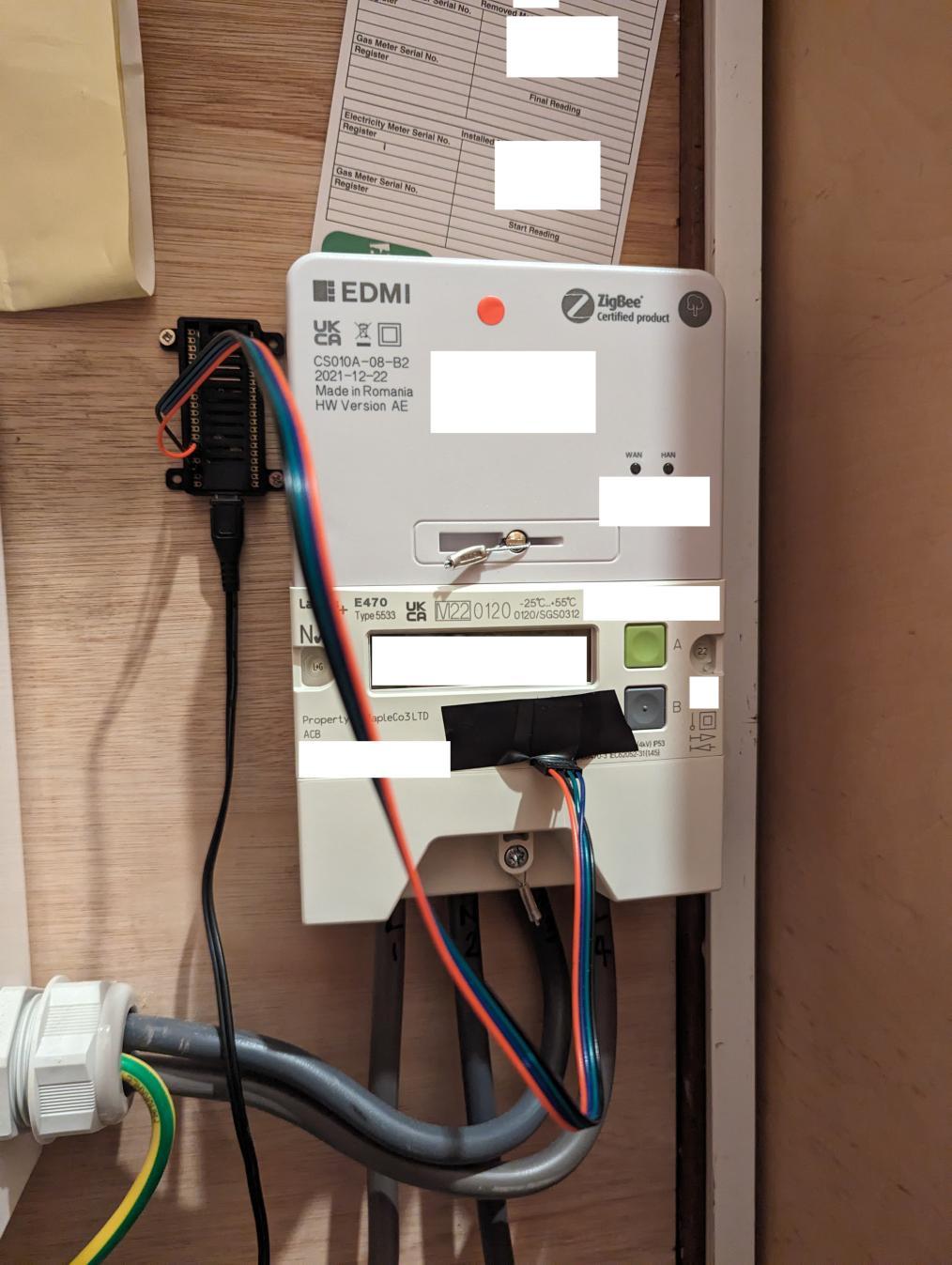
We had a smart meter installed last year. It’s kinda useful to observe long term power usage. However I really wanted to be able to see more detail; like turn off this device, what happens to the power usage? I didn’t find the wee standalone meter module thing that came with it very useful.
Luckily, in the UK, electricity meters have a wee blinky LED on them which indicates the amount of power being used: on mine, one blink is one Wh of power used (though I think this can differ between meters; the exact value is printed on the body of the meter itself).
You can see it in this picture; in fact that’s the monitoring LED right there!
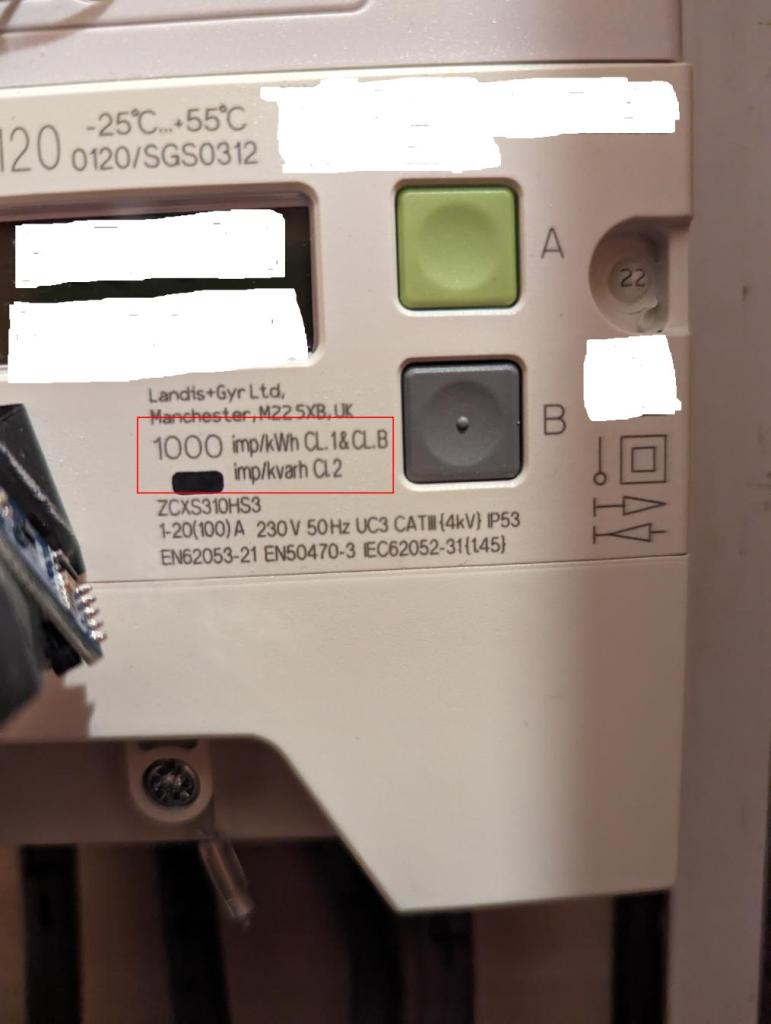
So all we need to do is count them, keep note of the increasing total and we have much finer grained stats (I went for minutely).
I bought one of these BH1750 i2c modules from Amazon. It’s actually an ambient light sensor for mobile devices and suchlike. I did wonder that it might not be suited to counting these power blinks, but as it turns out, it was fine.
I needed a microprocessor and a WIFI interface to let me count blinks and communicate them somewhere: I ended up just getting a Raspberry Pi Pico W (I’ve actually been looking for a reason to use one for ages!). I attached the sensor to one of its i2c ports and threw a bit of python code together to test.
I had kinda expected that python wouldn’t perform well enough, but as it turned out, it was fine for this purpose.
I actually need to do two things at once here though:
- Observe the light sensor levels at regular intervals: when we see a peak in light intensity followed by lower light values, that counts as a blink.
- Communicate the count back to my MQTT server so I can hook them up to charts! (ooooooo charts)
Since the pico actually has two CPU cores, I initially tried using those, but I couldn’t get it to work reliably; I wonder if the wifi support uses one of the cores somehow? Anyway, I switched to using python’s asyncio instead: that works fine.
I used Thorsten von Eicken’s mqtt_asyncio library, which does MQTT and also handles the WIFI connection in one chunk of code.
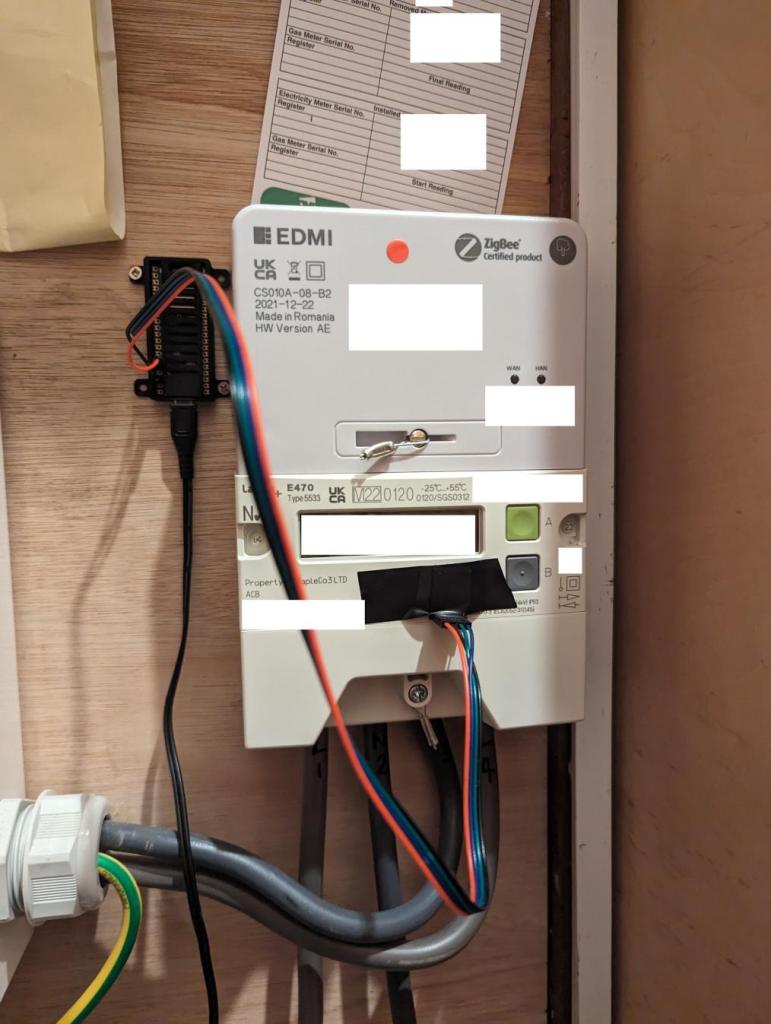
I just taped the light sensor module onto the meter with some electrical tape. Here’s a pic of it in action. I made the Pico’s LED blink when I detect the meter blinking for debugging/validation.
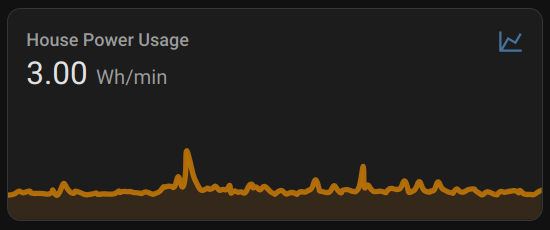
I also attached it as a “Home assistant” sensor device so I can see it as part of the house’s control system:
The code is up on my github.
 adq
adq 